Installing the OS
Last updated
I am writing this in 2026, two years after installing the operating systems. The world has changed completely now that we have powerful AI at our disposal. It is interesting to dive back into something I did two years ago and remember how I was thinking at the time.
Note to self: write an article about how AI changed my life between 2024 and 2026.
I chose Ubuntu Server because I was a beginner Linux user and did not want to deal with a distribution that had very little information about it online. This decision rescued me a few times later.
I had three machines that needed an operating system. This looked like a good opportunity to practise some automation: make a USB stick with a fully unattended installer, insert it into the three computers one after another, and avoid doing the same manual work three times.
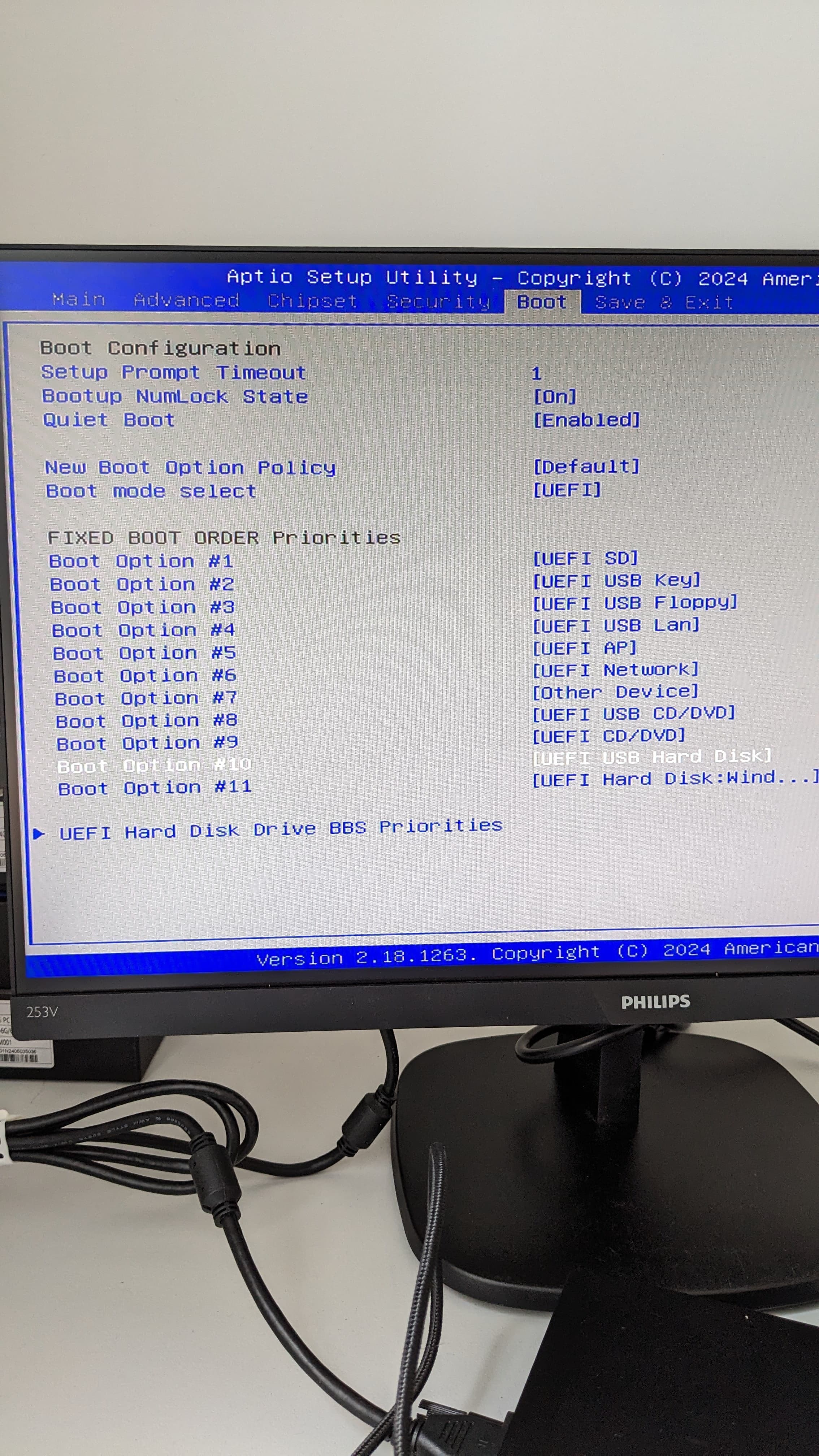
The plan: put the USB drive first, then stop touching the machine.
I spent a ridiculous amount of time getting even the most basic version of Ubuntu to install automatically, without any of my actual requirements. Writing a YAML file that merely made the unattended installation begin took ages.
A brief AI interruption
I cannot stop myself from talking about AI in every second paragraph now. In 2024 it was weak, confused easily, and regularly gave advice that was genuinely harmful.
It kept mixing up cloud-init with the custom autoinstall system created for Ubuntu Server. Reading blog posts and figuring out the YAML myself was much more useful than asking ChatGPT. Bytes, lies and big files helped me understand what the installer was actually doing.
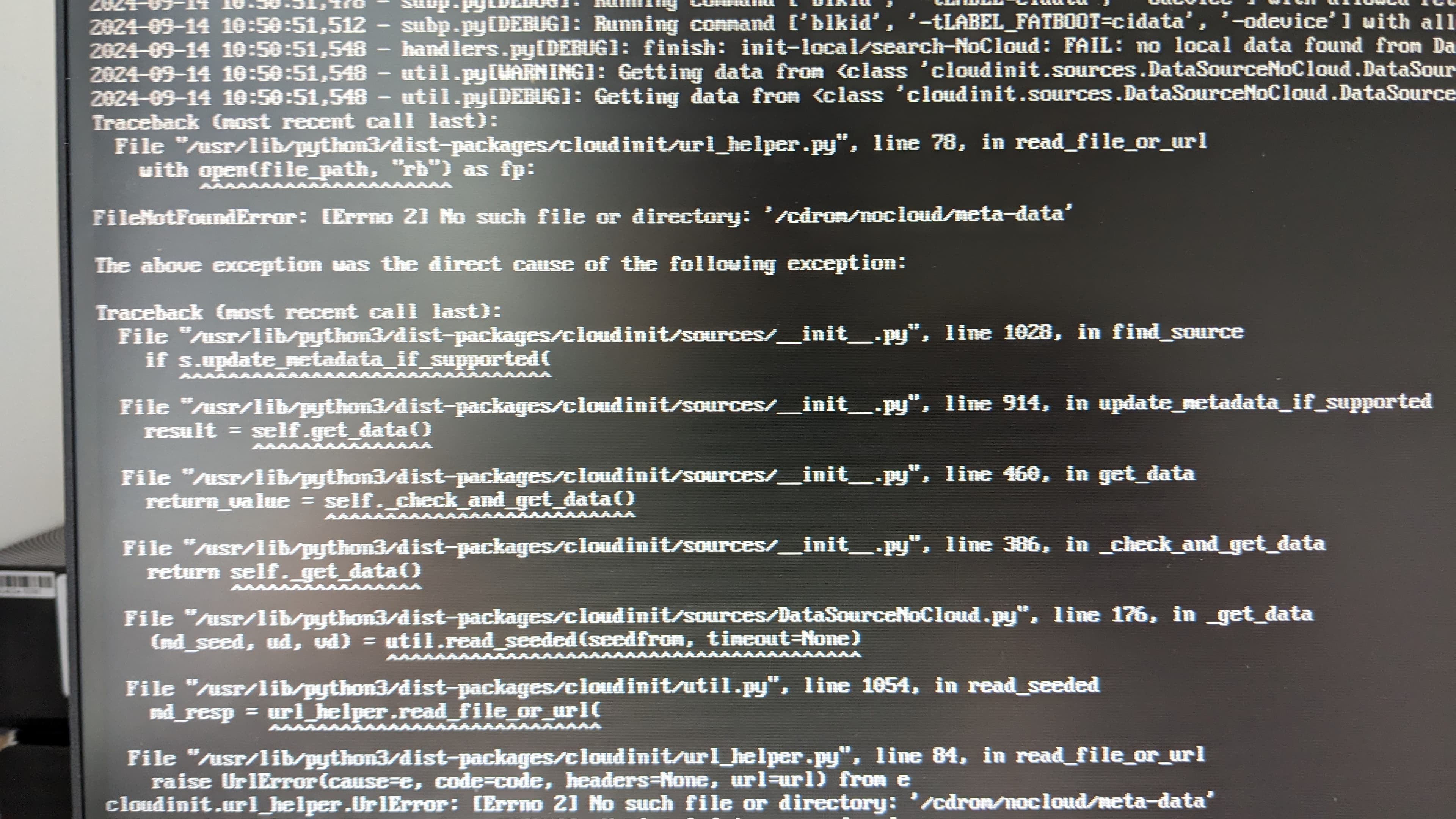
One of the many early results was a missing NoCloud metadata file:
After several weeks of this, the installer finally completed. I was extremely happy and already imagined myself moving on to installing the cluster.
Of course I got screwed again, in a place where I expected no problem at all.
Ubuntu installed, networking did not
The installer finished and dropped me into a terminal, but there was no network. The system could not see the network card, a wired interface, Wi-Fi, or anything else that could possibly get it online.
Before wiping Windows I had photographed the network adapters and their MAC addresses. At least I knew the hardware existed.
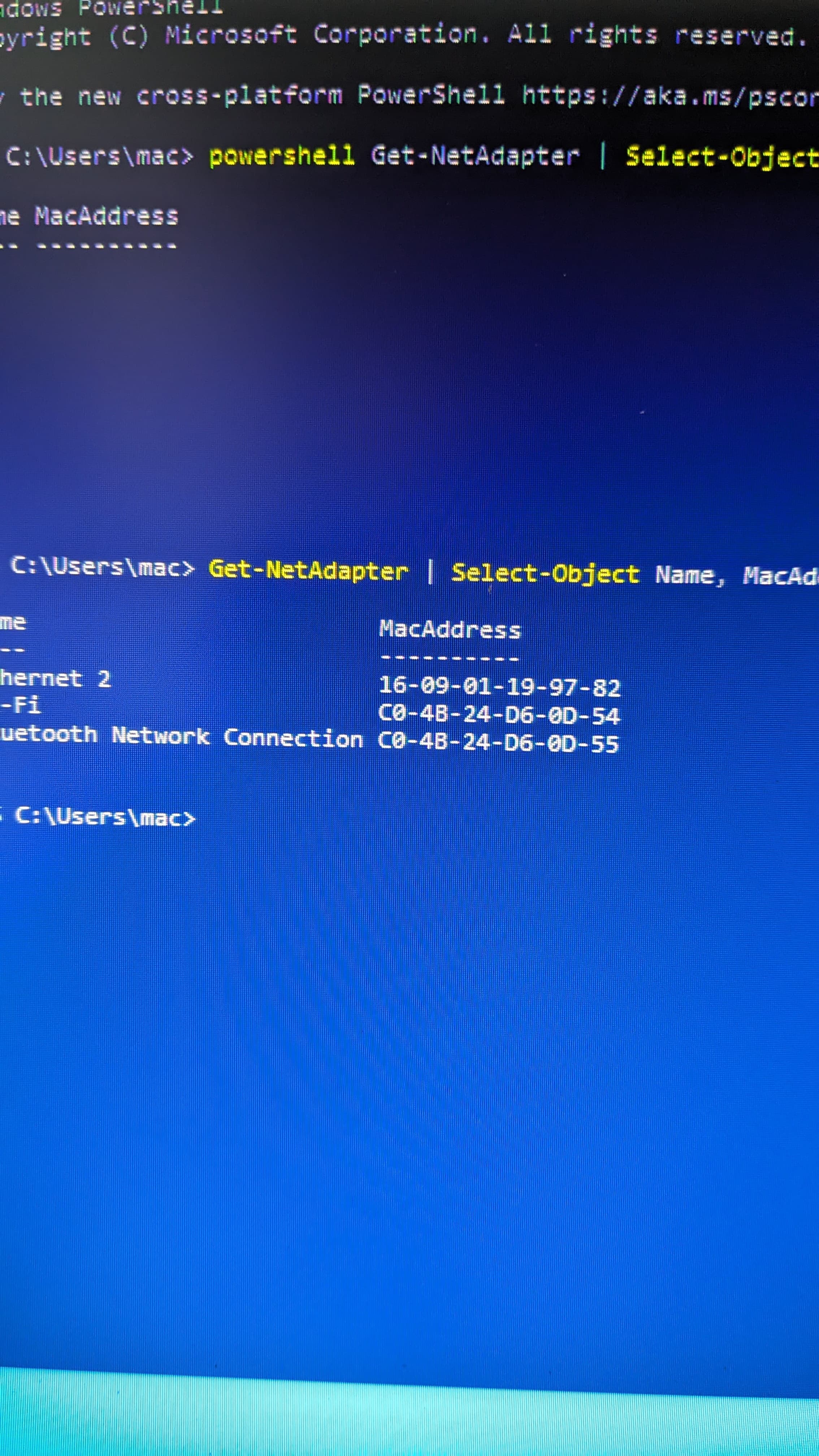
I may remember the timing incorrectly, but I think this was around the point when ChatGPT became reasonably good at recognising photographs taken with a phone. That changed the debugging process completely.
I asked which commands to run, typed them into the terminal, photographed the monitor, and sent the result back to the chat. This made the investigation dramatically faster. ChatGPT eventually gave me a command that listed the physical devices found by the operating system. It showed that Ubuntu could see the Ethernet controller but had no driver for it.
I put the device name into Google together with something about Linux drivers and quickly found other people with the same problem. The search eventually led me to a GitHub repository maintained by a Chinese engineer: silent-reader-cn/yt6801. It contained the driver source code and instructions for compiling it.
Compiling a network driver without a network
The next small puzzle was getting all the packages required to compile the driver onto the USB stick. The machine needing those packages had, obviously, no internet connection. The final installer repository contains the driver source plus a whole directory of offline .deb build dependencies.
Several times I used a semi-automatic process: let the installer finish, compile the driver manually, and restart the network services myself. This was quicker than fixing one more YAML mistake and running the entire installation from the beginning.
Most of the time I was just staring at the autoinstall logs, trying to understand what had broken now.
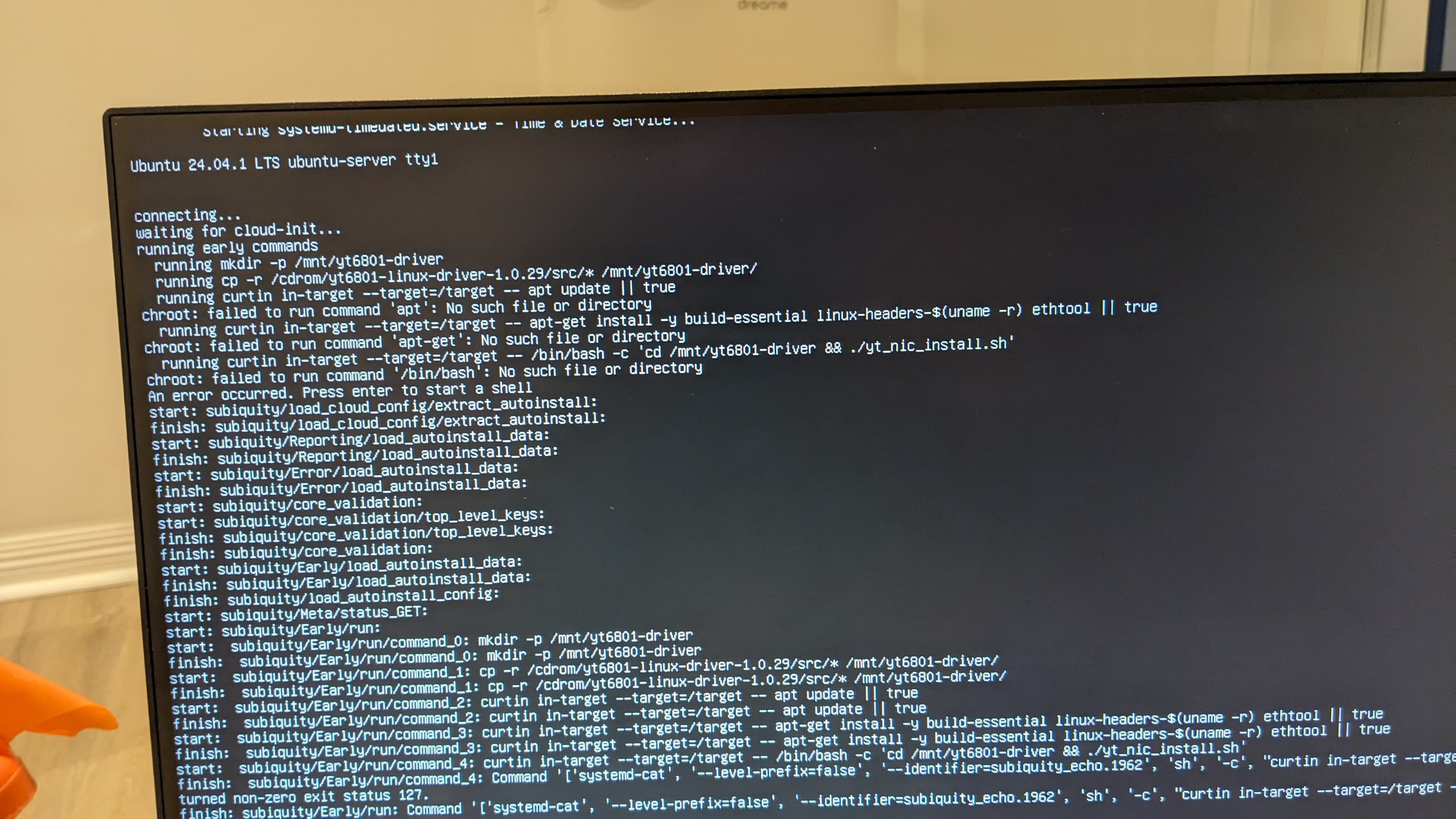
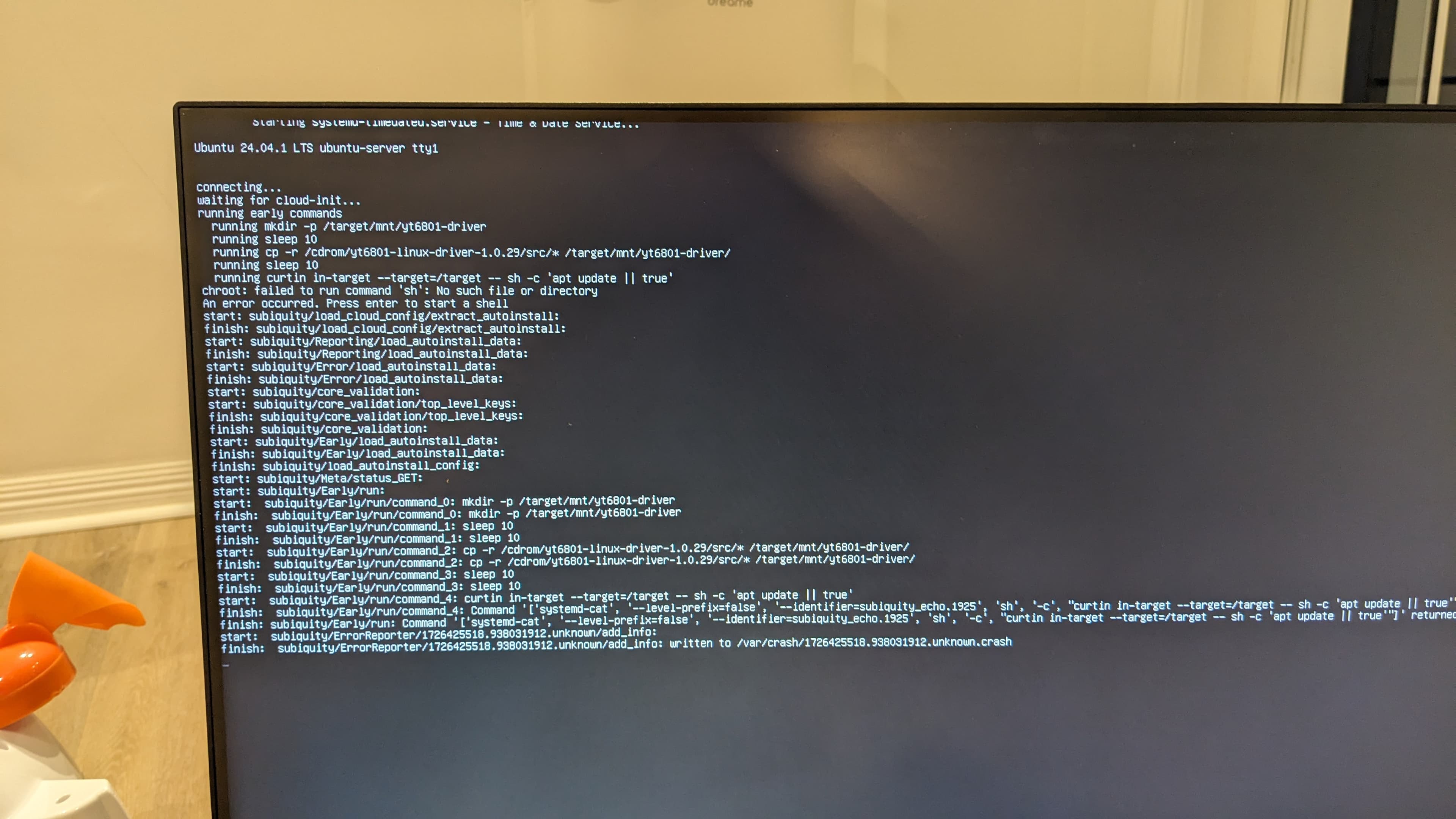
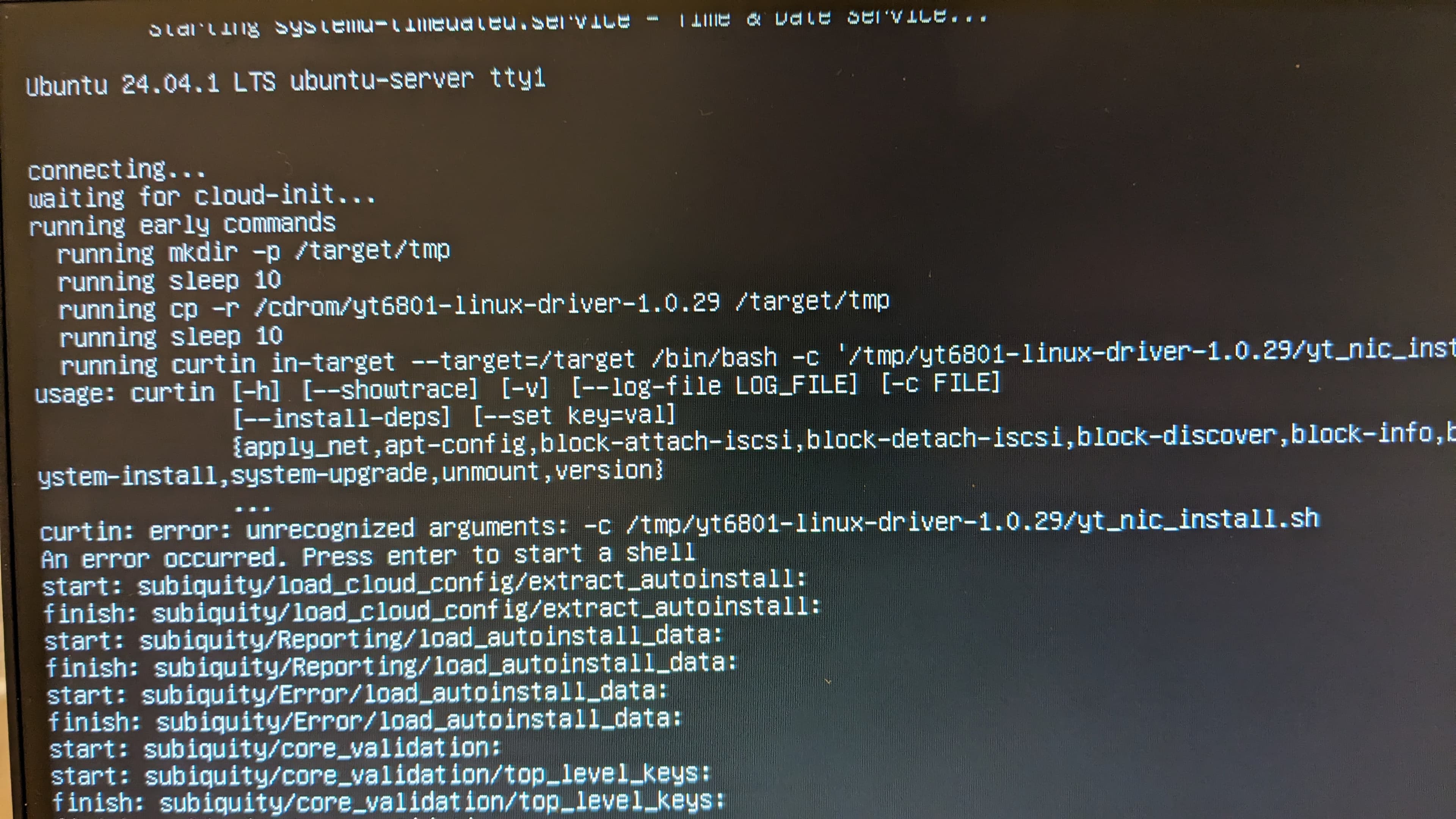
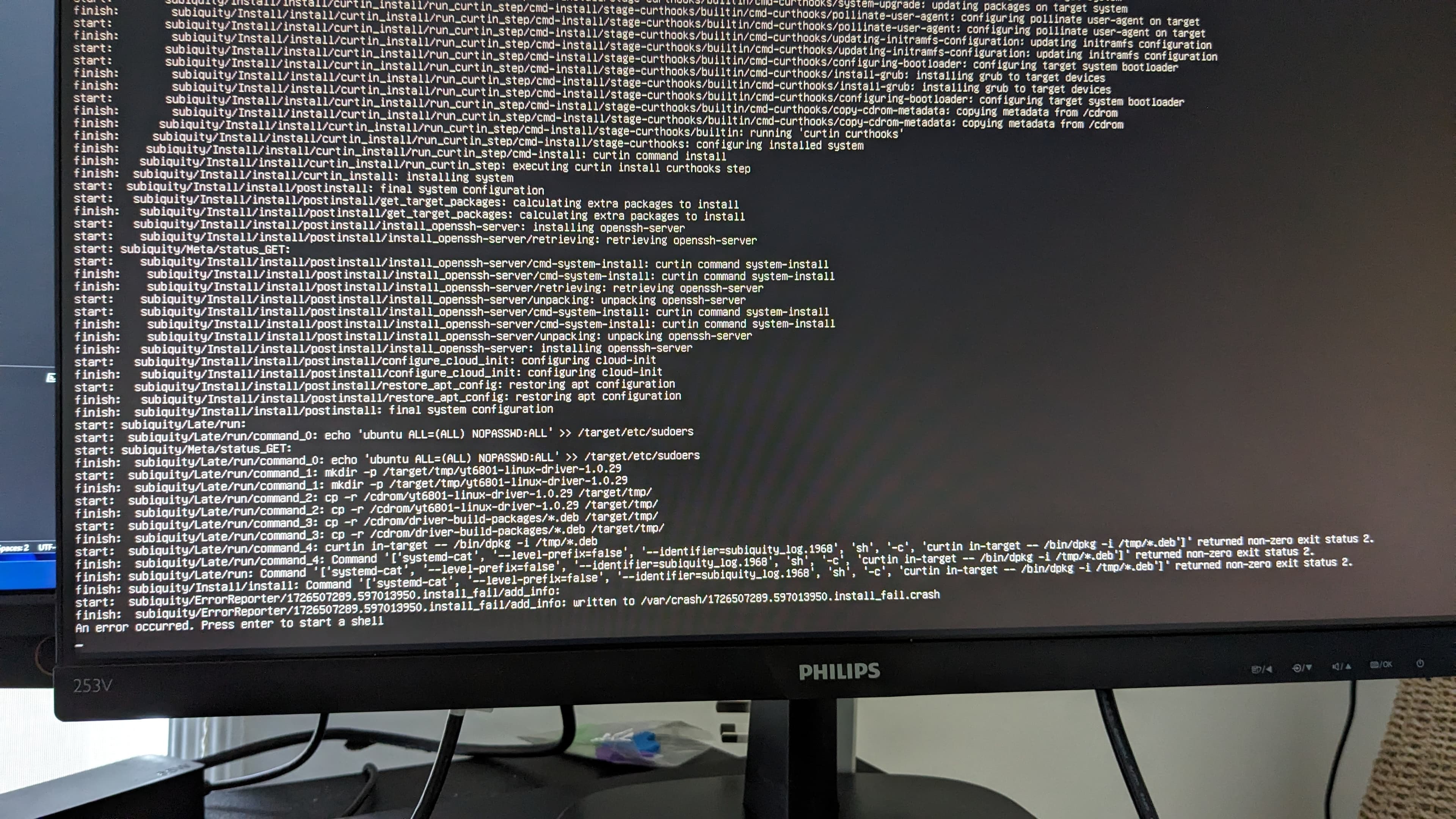
Eventually I got the moment I had been waiting for: the USB stick installed the complete operating system, compiled the Ethernet driver, and dropped me into a console. The network commands worked. Ubuntu finally knew that the network card existed and could use it.
Rebuilding the USB stick from memory
At some point I had to make the USB stick again. I no longer remember whether I moved house and lost it or simply lost the half-working installer in the usual way.
I thought I understood the entire process by then, so I reconstructed it from memory. Everything looked correct, but the driver compilation failed with completely unbelievable errors. I tore my hair out and nearly threw all the equipment through the window. I rebuilt the stick for approximately the 110th time. It still did not work.
On approximately the 131st attempt, I finally understood what was wrong. Looking at the repository now, I had somehow combined an Ubuntu Server 24.04.1 installer with packages from Ubuntu 22.04. No wonder the driver installation kept failing.
Thank God, that one was easy to fix once I understood it.
The polished installer that broke itself
Another mine was waiting when I decided to make the installer modern, beautiful, and properly “polished.” I added a final step that upgraded the operating system after installation.
You can probably guess what happened. The installation compiled the Ethernet driver for the current kernel, downloaded upgrades, installed a new kernel, and rebooted. Naturally, it had no network again. The new kernel could not use a driver module compiled for the previous one.
I fixed it by stopping Ubuntu from upgrading the kernel. The old kernel stayed in place, so the driver kept working. I never enabled those upgrades again because I later changed the hardware and no longer needed the custom driver. But that is another article.
The network that disappeared with the monitor
The suffering was not finished. I installed all three servers from the automatic USB stick. I connected a monitor to each one in turn and checked that networking worked. Every computer had a network connection and the static IP address I expected.
Then I disconnected the monitor. A few minutes later, the network disappeared.
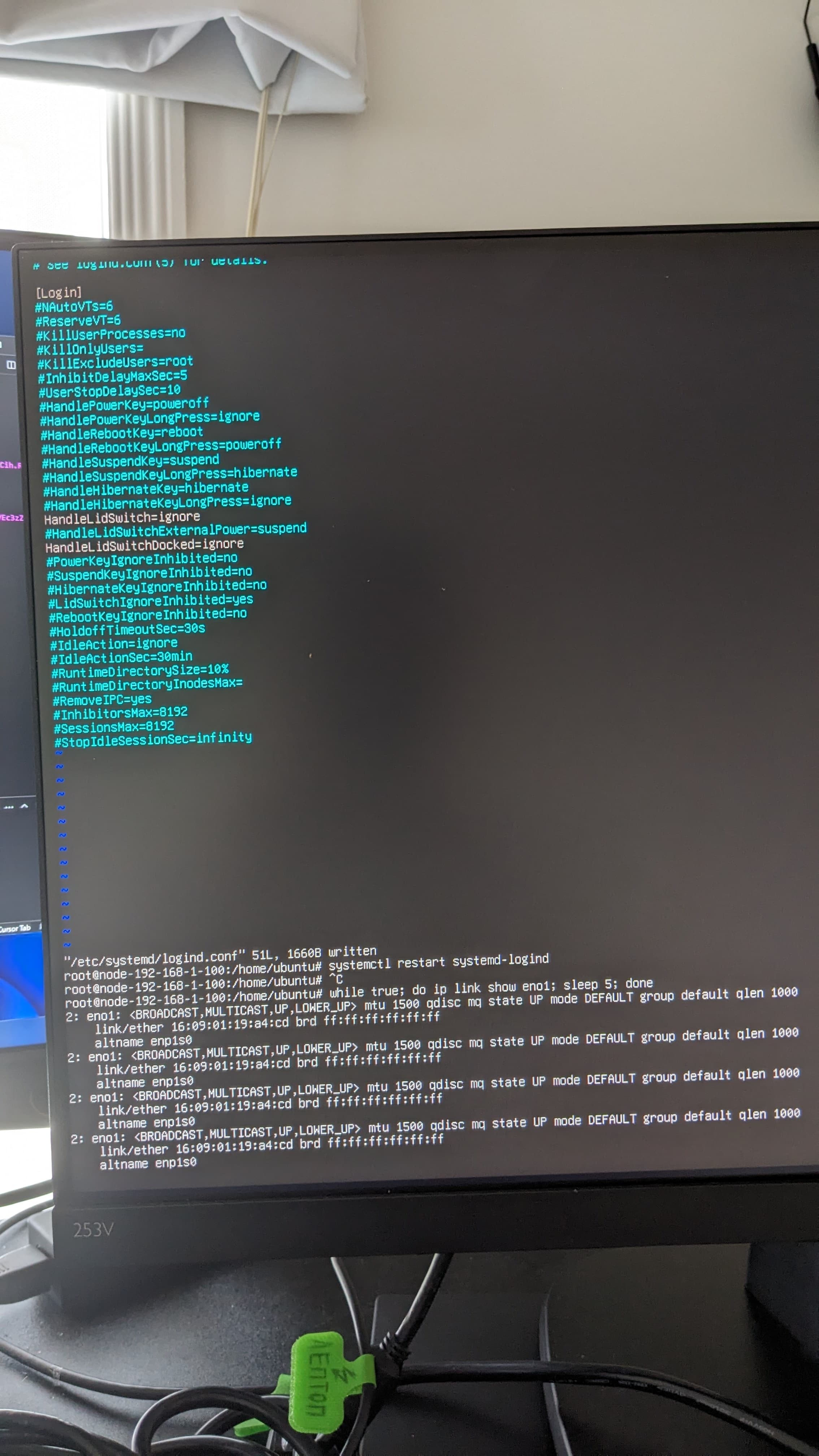
For reasons I still do not understand, the machine behaved as if disconnecting VGA meant closing a laptop lid. The setting lived in systemd-logind, despite these being small desktop boxes with no lids. The fix that ended up in my installer was:
HandleLidSwitch=ignore
HandleLidSwitchDocked=ignore
I still do not understand why a server operating system had laptop lid-switch behaviour enabled by default. But after adding those lines to the automated installation, the network stayed alive.
Speaking as Boris from 2026: the installation problems ended abruptly. I reinstalled these machines many times afterward, but for completely different reasons. Mostly because I destroyed my own cluster while learning how it worked.
That is another article.
The finished installer, driver sources, offline packages, and configuration are preserved in kpoxo6op/soyspray-os-install.